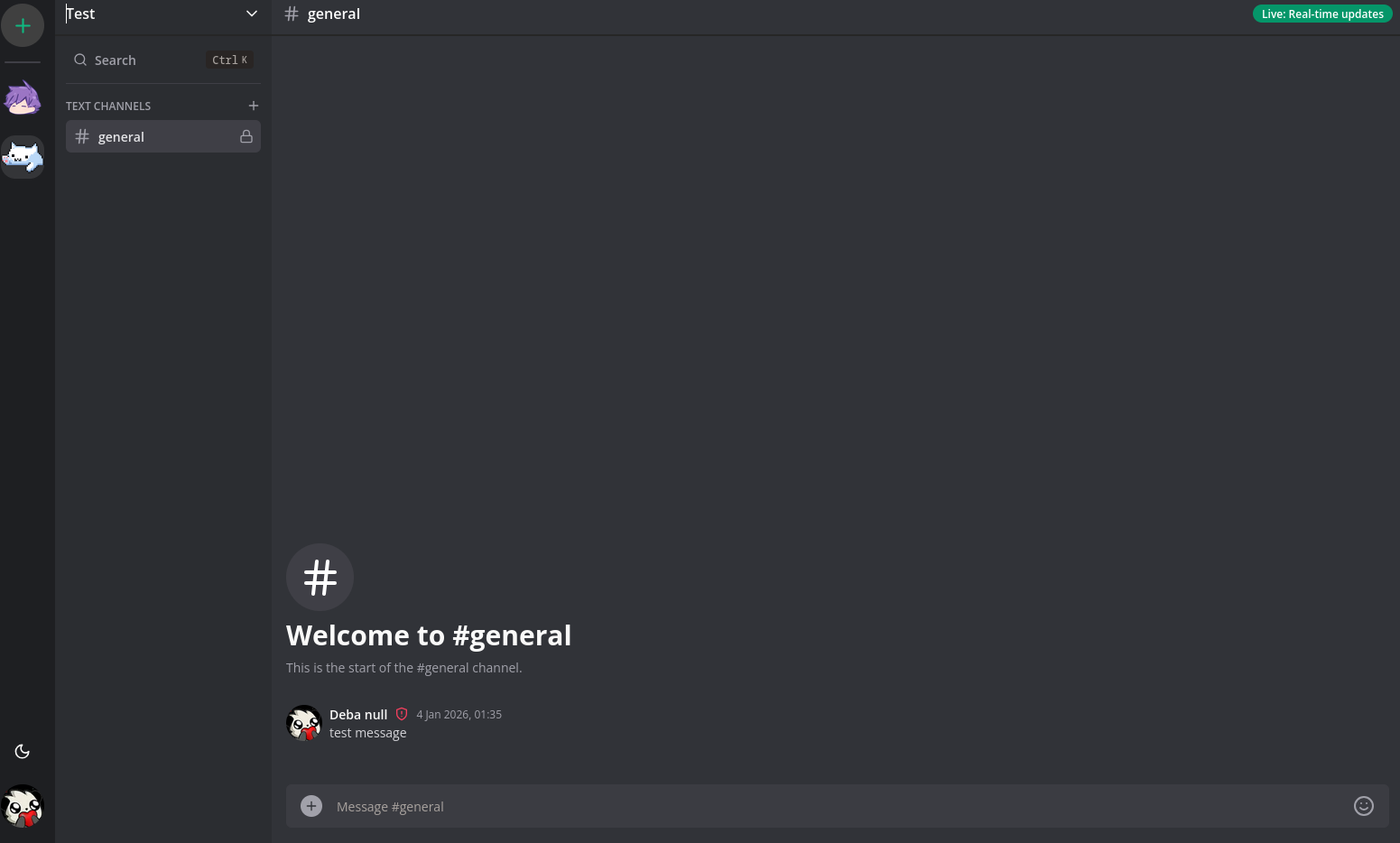
Discord Clone
This project started because I wanted to understand how real time chat apps actually work.
Using apps like Discord feels effortless. Messages show up instantly, users come and go, and everything stays in sync. But when you try to build something similar, you quickly realize how much is happening behind the scenes.
The goal of this project was not to recreate Discord completely. I mainly wanted to understand real time messaging, sockets, and how different parts of the system talk to each other.
The app is built using Next.js and follows a fairly structured layout. Users exist as profiles. Profiles can create servers or join existing ones using invite links. Inside a server, members have roles and can participate in channels or direct messages. Thinking in terms of servers, members, and channels early on helped keep things from becoming messy later.
Designing the database was one of the most important parts. Messages are stored instead of being treated as temporary socket events. Each message belongs to a channel or a direct conversation and is linked back to the member who sent it. I also added soft deletion so messages can be removed without breaking history or relationships.
Direct messages were more complicated than I expected. Conversations are created between two members, and I had to make sure the same conversation is not created twice in different orders. Solving this made me think more carefully about data constraints and edge cases.
Real time updates are handled using Socket.IO. Messages are sent, saved to the database, and then broadcast to the right users. This part took the most time. I ran into issues like duplicate socket connections, events firing twice, and messages randomly disappearing after refreshes. Debugging these problems forced me to understand how socket connections are created, reused, and cleaned up.
On the frontend, I relied on reusable components and custom hooks to manage chat state, scrolling, and modals. Mixing real time updates with cached data was tricky at first, and I had to fix issues where the UI would show stale or duplicated messages.
I also added features like file uploads, emojis, theming, and mobile support. These were not just visual improvements. Each one exposed new edge cases and forced me to handle things more carefully.
The app is deployed and usable, which helped surface problems I never saw during local development. Things like reconnect behavior, network delays, and navigation bugs only showed up once real users started clicking around.
There are still many things I would improve. Better error handling, cleaner socket logic, and stricter permission checks are some of them. But this project did what I wanted it to do.
It helped me move from knowing that real time chat exists to actually understanding how it behaves when people use it.
# File Structure

.
├── app                     # App Router pages and layouts
│   ├── api                 # REST APIs for servers, channels, messages
│   ├── (auth)              # Sign in and sign up routes
│   ├── (invite)            # Server invite handling
│   ├── (main)              # Main app UI
│   │   └── servers         # Server specific pages
│   └── layout.tsx
│
├── components               # Reusable UI and feature components
│   ├── chat                # Chat UI and logic
│   ├── server              # Server sidebar and controls
│   └── modals              # Create, edit, delete modals
│
├── hooks                    # Custom React hooks for chat and UI state
├── prisma                   # Database schema and models
│   └── schema.prisma
│
├── pages
│   └── api
│       └── socket           # Socket.IO handlers
│
└── package.json